By Role
Role-based translation allows you to automatically translate messages for everyone who has a specific Discord role. This is an efficient way to manage translations for specific community segments.
🎯 How it Works
When you link a role to a language, the bot will automatically translate messages sent in common channels for any user holding that role.
Perfect for:
- Regional Groups (e.g., translators, moderators from specific countries)
- Language-specific Squads
- VIP or Premium Members with specific preferences
🚀 Setup Steps
Step 1: Access Role Settings
Use the
/mylang command to manage your language settings:Terminal
/mylang
Step 2: Link a Role to a Language
Select the role and the language you want to associate with it.
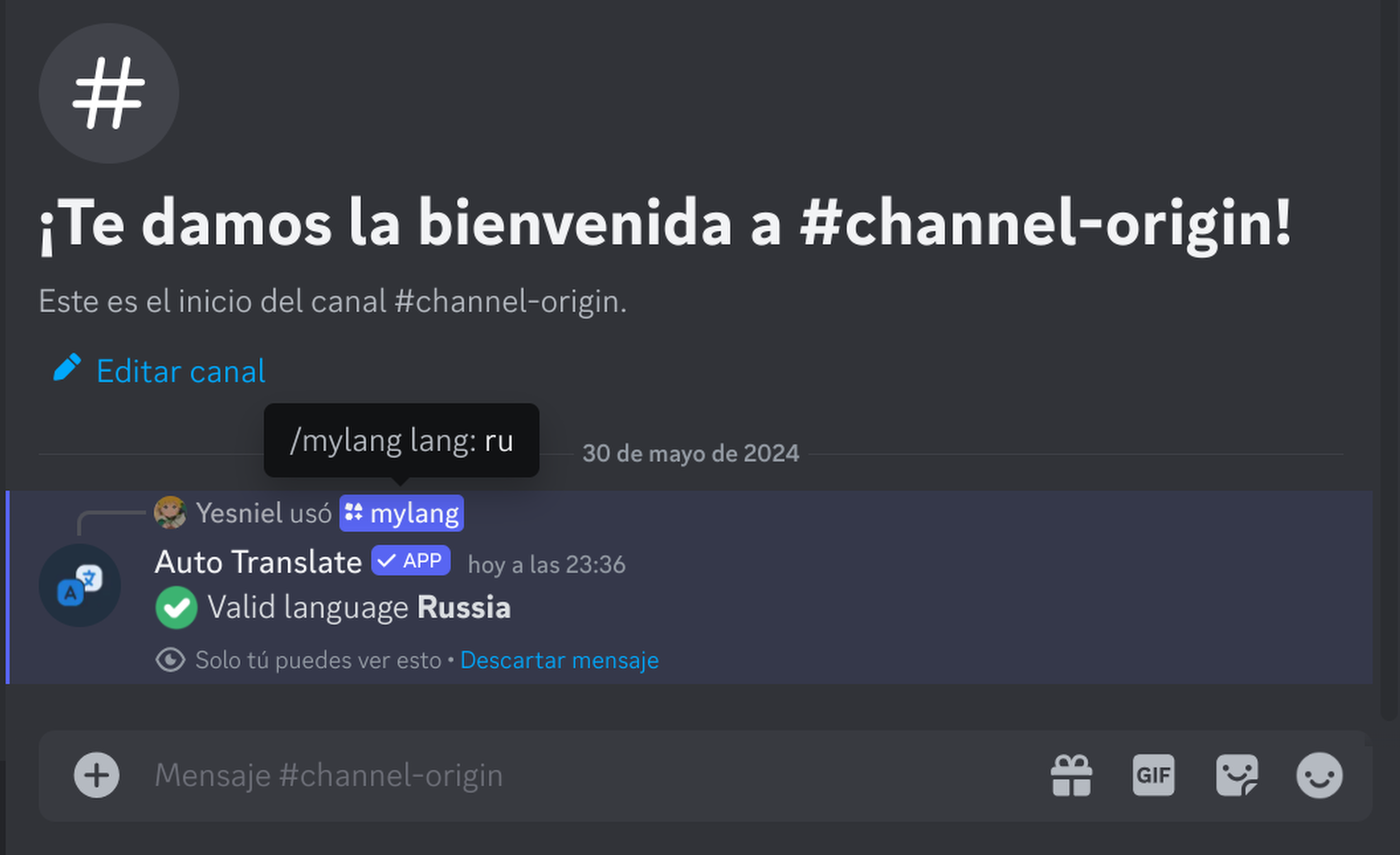
Step 3: Test the Configuration
Ask a user with the role to send a message. The bot should automatically translate it to the target language configured for that role.
💡 Best Practices
- Keep it Organized - Use clear role names (e.g., "Spanish Speaker", "French Team").
- Combine Modes - Role-based translation works alongside channel and server modes.
- Hierarchy Matters - If a user has multiple roles with different languages, the bot will prioritize the highest role.
🔧 Commands Reference
| Command | Action |
|---|---|
Terminal /mylang set es | Set a language for you |
Terminal /mylang delete es | Remove language mapping for you |
Important: The bot must have the
Manage Roles permission (or be higher
in the hierarchy) to accurately track role changes.